

Cross Country Cards
Workout complete!
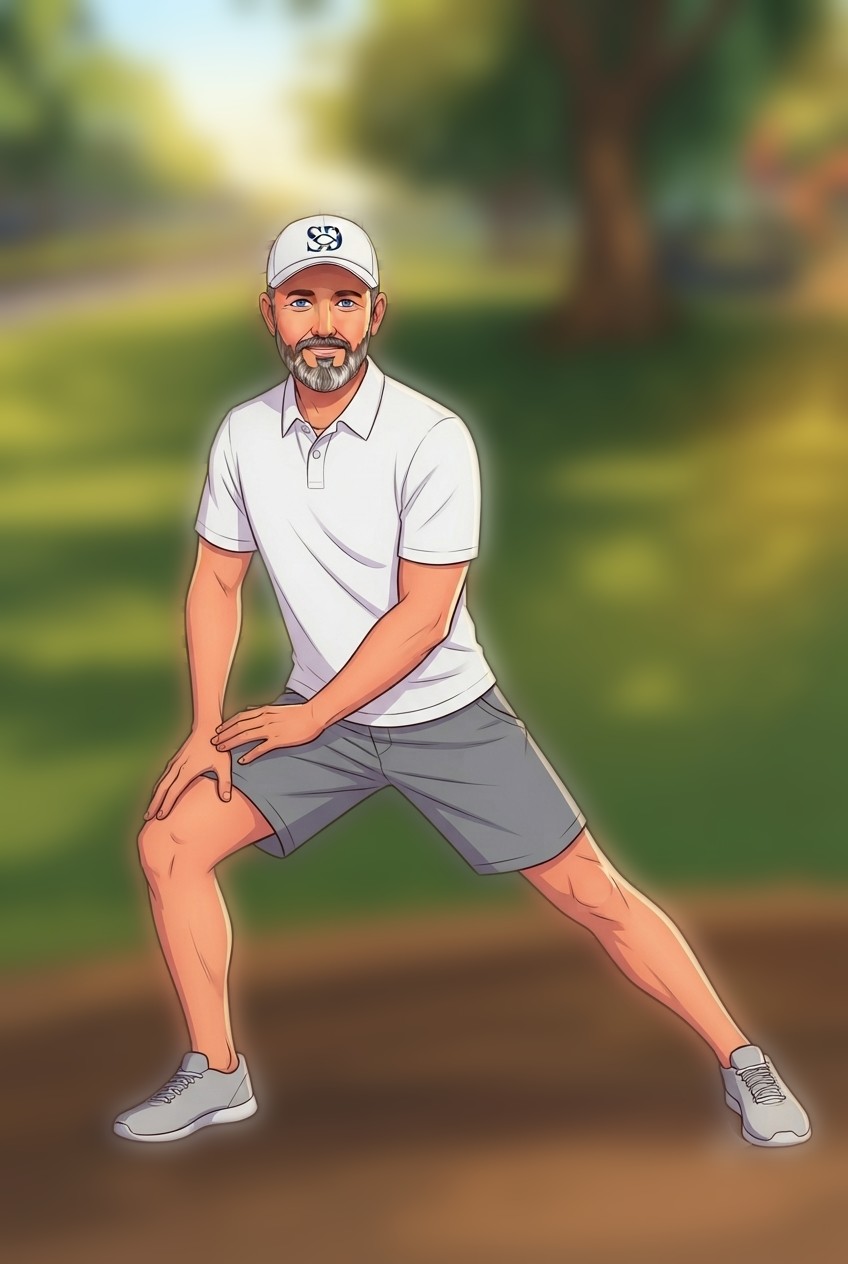
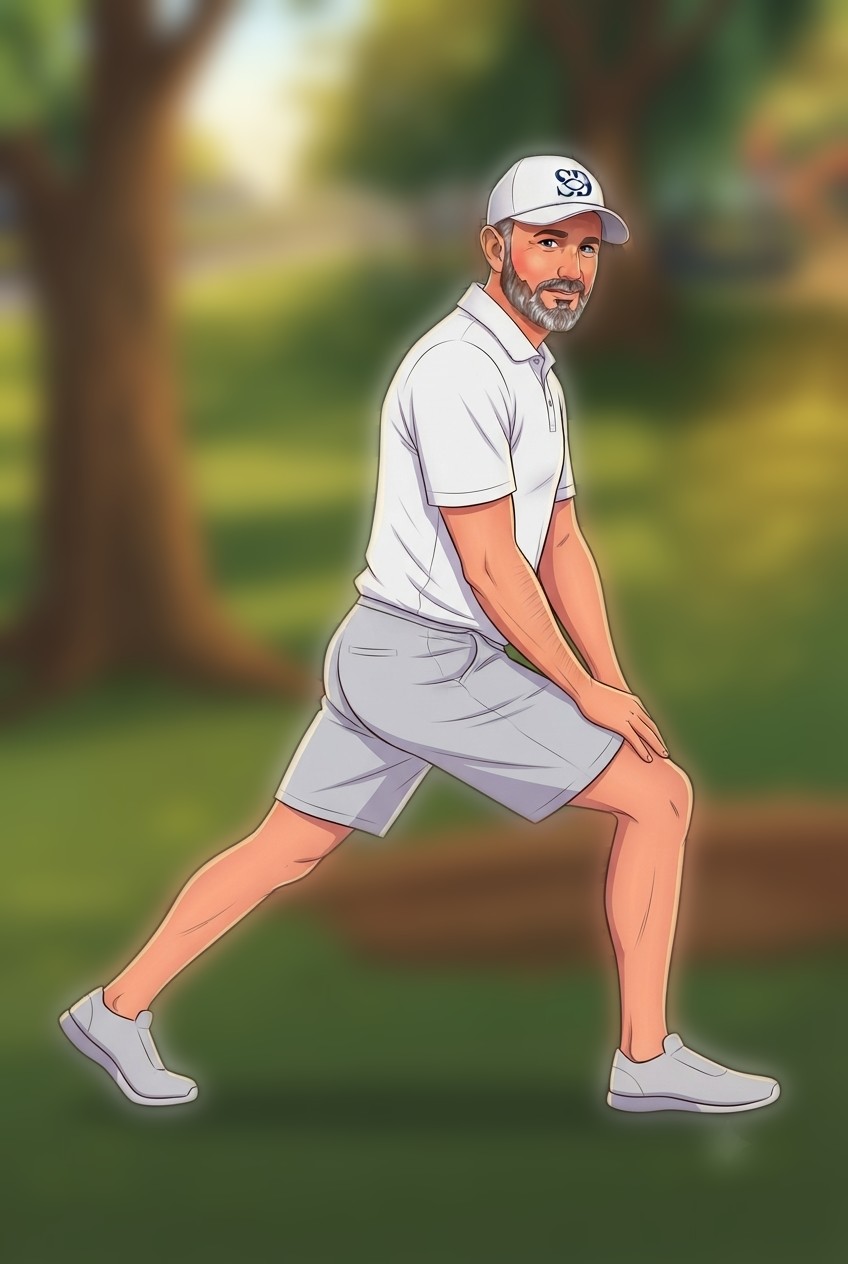
Cool-down walk done — now stretch while your muscles are still warm. Hold each one 20–30 seconds.
Stretch & Water Guide
🥘 Before you run — warm-up routine
Movement, not held stretches — this is what actually gets muscles ready to run. Tap any one to watch Kip demo it.
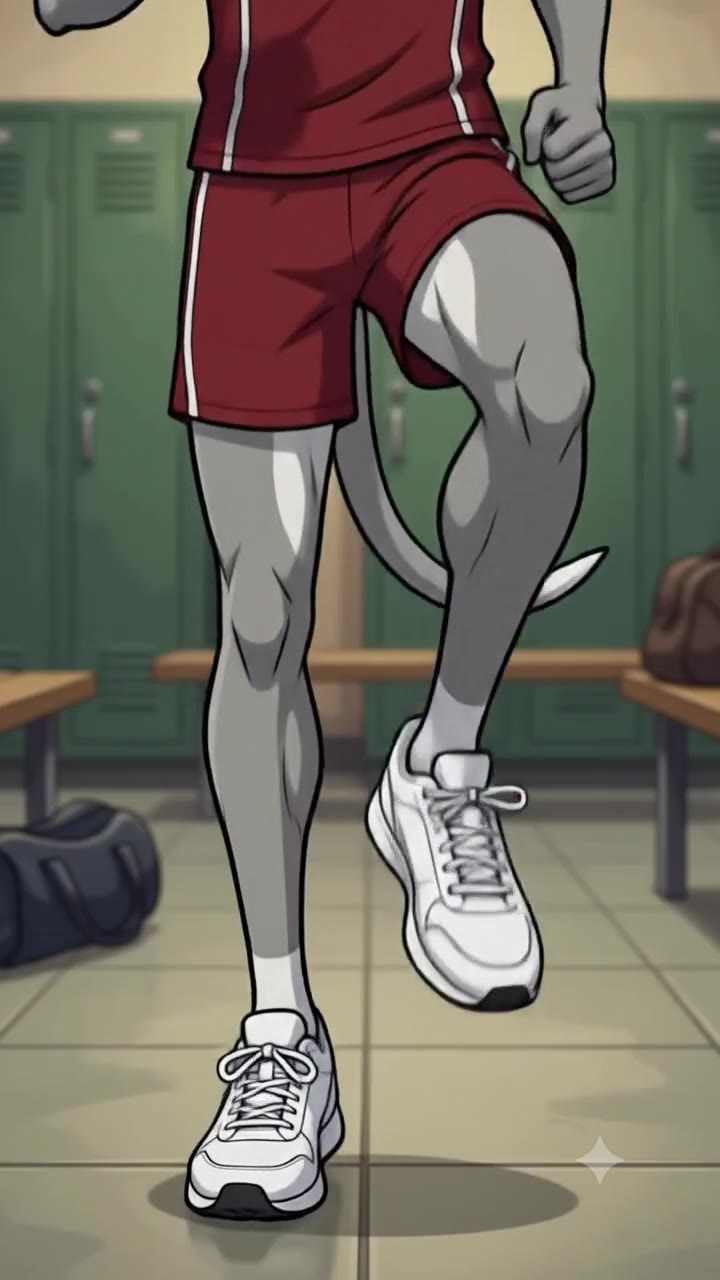 ▶
▶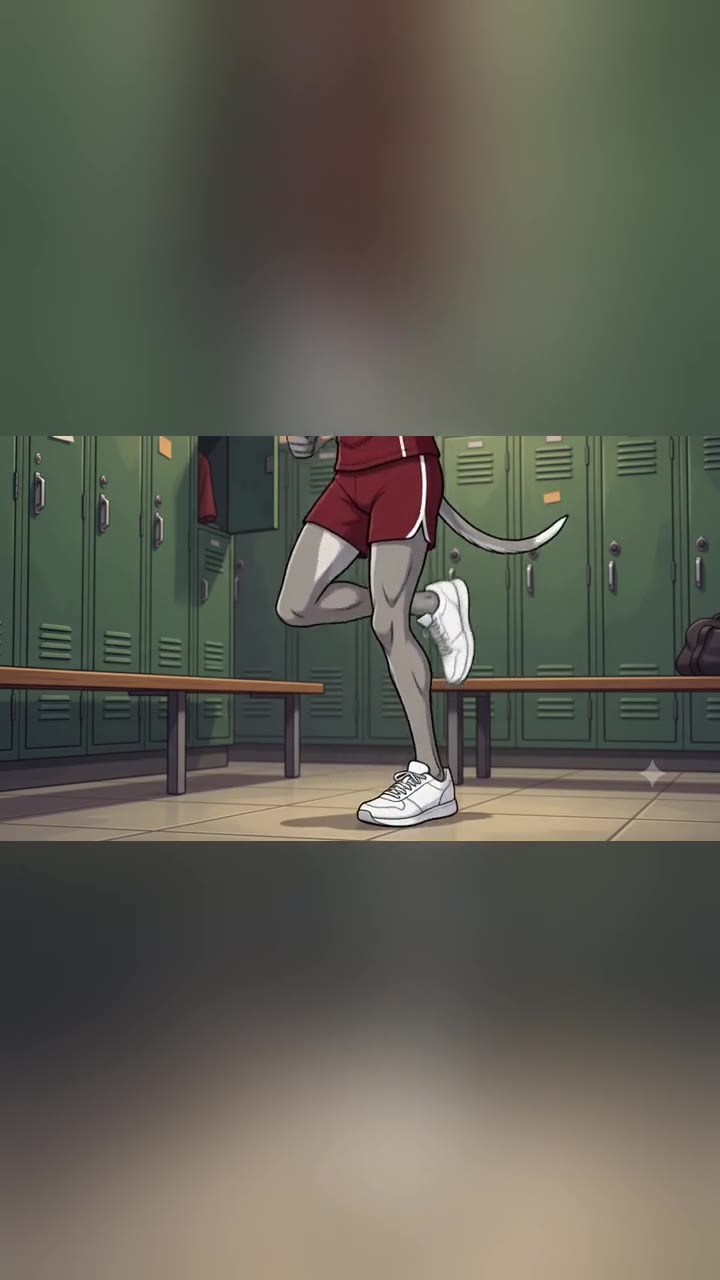 ▶
▶ ▶
▶ ▶
▶ ▶
▶ ▶
▶🏃 Stretch routine · after your run
Hold each stretch for 20–30 seconds. Breathe normally — never bounce. Tap any stretch to see a photo of the position.
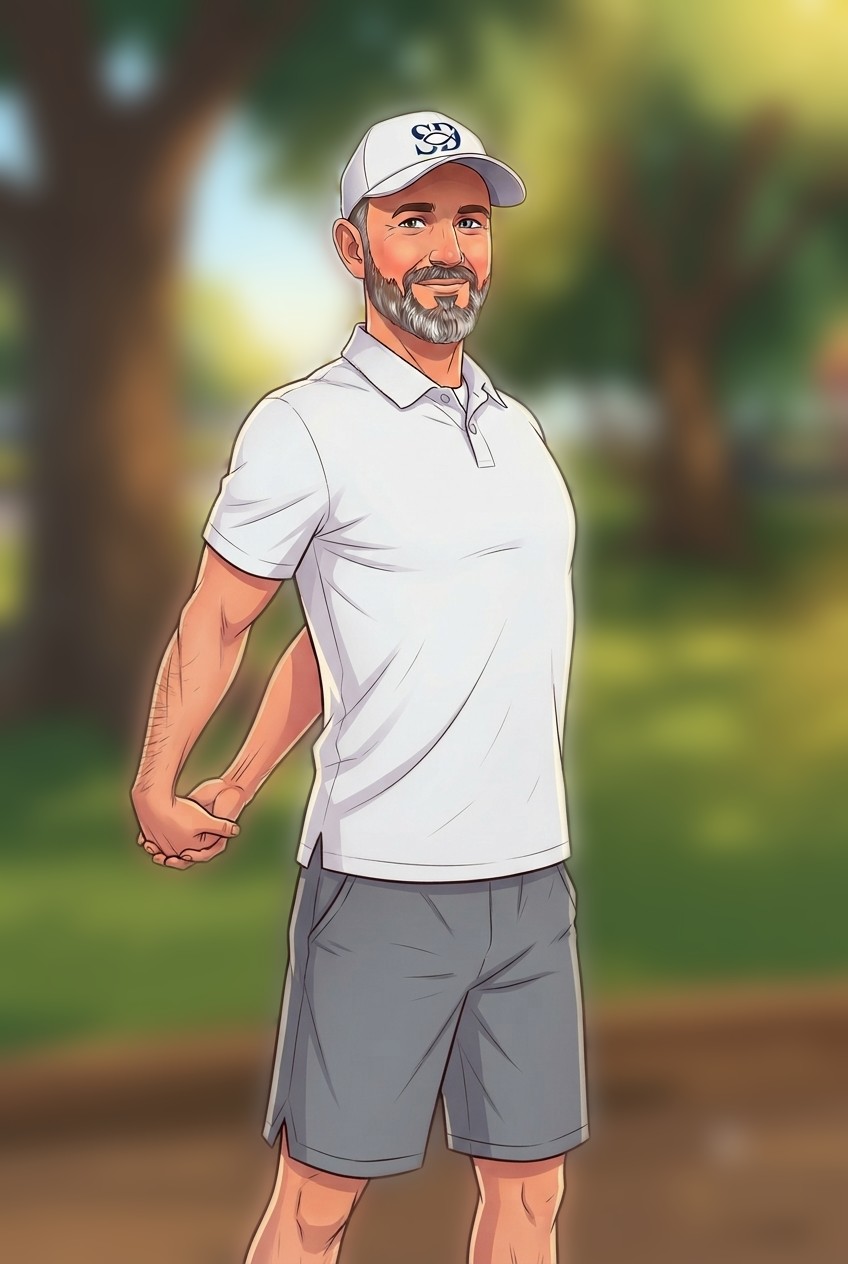 🔍
🔍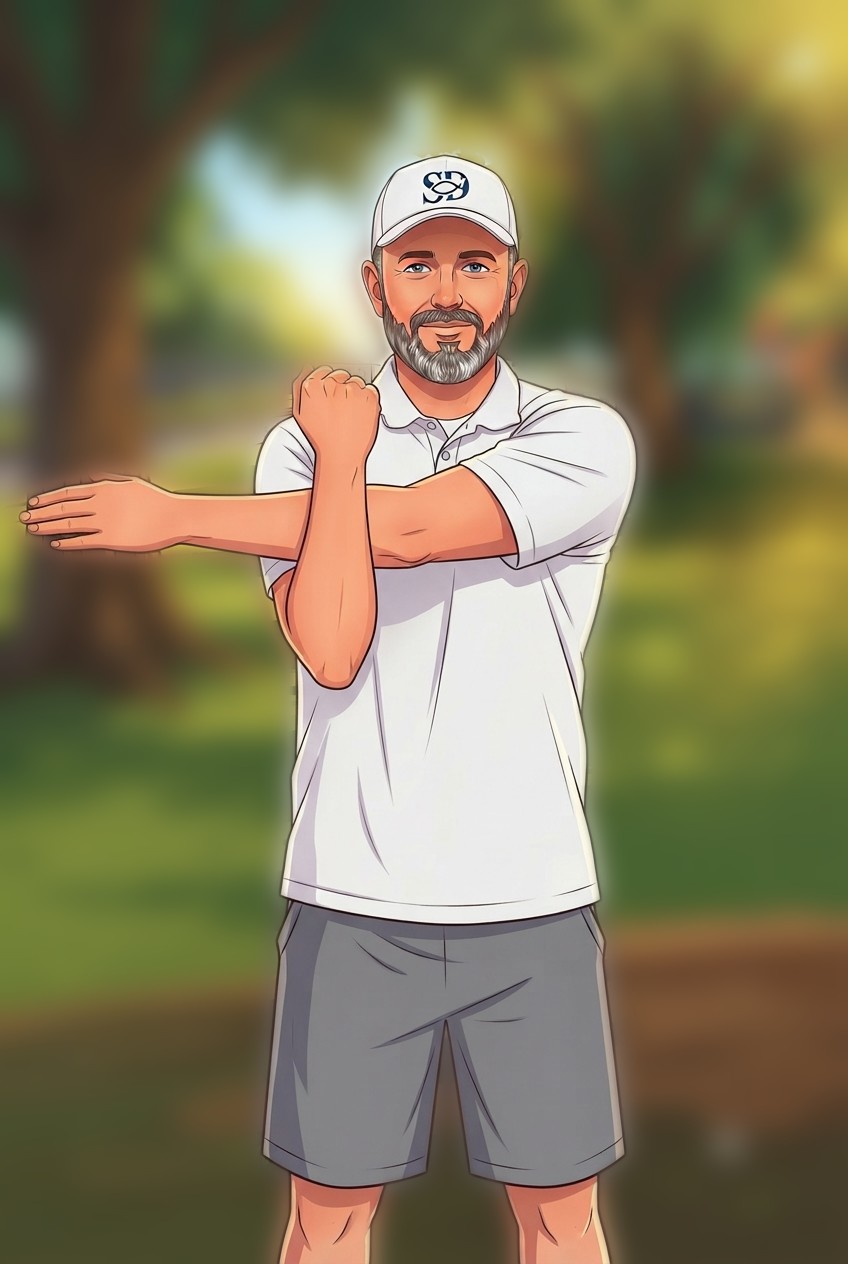 🔍
🔍 🔍
🔍 🔍
🔍 🔍
🔍 🔍
🔍❄️ After you run
Keep walking — don't stop cold. Stopping suddenly and standing still right after a hard run can make blood pool in your legs and your blood pressure dip — that's what causes the woozy, lightheaded feeling. Walk for a few minutes first, then stretch while you're still warm. If you do feel dizzy or lightheaded, sit or lie down and prop your feet up — it helps you recover faster.
💧 Water
- Spread this across the day — not all at once — when you've got an afternoon run:
- 80–120 lb: about 40–60 oz (2.5–4 bottles)
- 120–160 lb: about 60–80 oz (4–5 bottles)
- 160–180 lb: about 80–90 oz (5–5.5 bottles)
- Drink more once you're done running
- Hot or humid day? Hydrate extra that day, before and after
 ▶
▶❗ Pain vs. fatigue
Feeling tired, out of breath, or a little sore — that's normal, keep going at your own pace. But if something actually hurts, or you feel dizzy or faint — stop and tell an adult. Never push through real pain.
The card only starts with a 45-second brisk walk, so your body needs the warm-up routine done first.
Add to Home Screen
iPhone (Safari)
- Open this page in Safari
- Tap the Share icon (square with an arrow, at the bottom)
- Scroll down and tap Add to Home Screen
- Tap Add in the top right
Android (Chrome)
- Open this page in Chrome
- Tap the ⋮ menu, top right
- Tap Add to Home screen
- Tap Add
⚠️ If you ever see an error opening it
Once in a while, tapping the icon shows an error page instead of your cards — that's a normal iPhone quirk, not a real problem. Just pull down to refresh (or close the app fully and tap the icon again). It'll load right away and work perfectly for the rest of your visit — even with zero signal.